2020 VW Touareg R SUV

2020 VW Touareg R SUV revealed with plug-in power and 456hp

Volkswagen has unveiled the new semi-hybrid and more powerful model of its SUV, the Touareg R

This plug-in hybrid model has 456 horsepower and emits CO2 of about 44g/km according to Volkswagen.

[td_block_ad_box spot_id=”custom_ad_2″]

The Volkswagen Touareg R has a 3.0-liter V6 engine that produces 335 hp and another electric with 134 hp.

These engines enable the Touareg R to reach speeds of 0 to 100 kilometers per hour, according to Volkswagen, in about 5 seconds.

This sporty model has the same technology as the Audi Q7, Bentley Bentayga and Lamborghini Urus.

> Read Next: 2021 Mercedes-AMG GLE 63 S Coupe Debuts with 603 HP to rival BMW X6 M

So what do you think of this? Let us know your thoughts in the comments section below, follow us on twitter and facebook for more news and updates.

neoAdviser

[td_block_11 category_id=”3″ limit=”1″ td_filter_default_txt=”” tdc_css=””][td_block_ad_box spot_id=”custom_ad_3″ tdc_css=””]
Boost Your Business Operations With The Right Technology

Boost Your Business Operations With The Right Technology

Business and technology are becoming more synonymous with one another as time passes.  Tech evolves, and business uses the tools offered by the progression of today’s technology to succeed.  

It’s wise to get in the know about what tech has to offer business operations, and delve into the various ways in which you can integrate the tech tools you discover.  

Start now, and read through a brief look at a few of the most influential ways in which your business can use technology to boost operations. 

[td_block_ad_box spot_id=”custom_ad_2″ tdc_css=””]

Stay on top of your SEO presentation

Tech has made the internet into a second home for millions of consumers, so it makes sense that your business would need healthy visibility online.  Search engine optimization is the key to building that coveted digital presence.  

SEO is an umbrella term that covers a whole slew of ways you can augment your digital content to make a more impressive impression on Google.  

When consumers search for terms that are relevant to your operation, you want your content to display first in the SERPs (search engine results pages).  SEO is the key to achieving top rankings.  

Find a solid ecommerce platform

Open your operation up to the whole world, and make sure you have a solid ecommerce platform as your digital foundation.  The lack of an ecommerce platform limits the sales performance of your operation dramatically.  

Give everyone a shot at engagement with your excellence, and take your operations to the web.  Take the time to research various ecommerce options, and choose the one you feel best suits your business.  

Build digital content for mobile users

While you’re creating your digital presence, keep in mind that mobile access to the internet is the preferred method these days.  Design your digital content to display and respond well on today’s many mobile devices, and you’ll get a much better response from web users.  

Reach out to consumers on social media

Social media platforms are some of the most populated spaces on the web today.  Your business needs the valuable visibility offered by a booming social media profile.  

Create a business profile on a few top-rated social media platforms, and treat them like your business website.  Keep social media updated regularly, and make sure to respond to what your public has to say.  

Find ways to forward Cloud integration

One of technology’s most useful tools is the Cloud.  Cloud integration can save your business time, money, and labor in so many ways.  You simply can’t afford to ignore the potential. Delve into all the ways your business can use the Cloud to make things simpler and more efficient within your operation. 

neoAdviser

[td_block_11 category_id=”3″ limit=”1″ td_filter_default_txt=”” tdc_css=””][td_block_ad_box spot_id=”custom_ad_3″ tdc_css=””]

Five Ways to Get the Most out of Your Internet Connection

The internet has changed our lives. It changes in profound ways every day, with newer and better connections available every year, and we increasingly use it more and more at work and at home.

Unfortunately, the internet doesn’t always follow through on its promise to make life easier. Lousy connections and slow loading speeds can make us feel stressed and frustrated.

Your internet provider probably isn’t the problem. That’s a good thing! It means there are plenty of ways you can get the most out of your internet connection without calling in and talking to customer service.

[td_block_ad_box spot_id=”custom_ad_2″]

Use the Right Equipment

First, you want to make sure you’re using the right equipment for your internet connection. For example, if you’re using an old or incompatible modem, you may find that you regularly lose your internet. If the internet seems to drop out often when you’re in the middle of doing something, you’ll want to find a different device. Using the default modem offered by your network provider often costs extra each month, but it will ensure your equipment is compatible with their service.

It also means using the right Wi-Fi router. Try using a router with omnidirectional antennas, move your router to a different spot, or consider purchasing a Wi-Fi repeater so your signal travels further.

Block Ads

Ads are more than just a minor annoyance. They can actually interfere with your internet speed. The more ads that are loading in real time, the more strain it puts on your connection, and the more likely it is that your connection is going to slow down.

You probably aren’t going to be able to block all the ads, but there are ad blockers out there that can help you drastically reduce the number of ads you see.

Whether you install an ad blocker plug in or not, you should at least be mindful of the ads running on the pages you visit. Pause them or exit out of them so they don’t put so much strain on your connection.

Protect Your Devices From Viruses

Whether in the office or at home, you use multiple devices. They include laptop and desktop computers, but they also include phones, tablets, and smart home technology.

And yet, most people only know how to protect their computer from viruses. It’s important to know how to protect all of your devices. That means doing things like:

  • Installing antivirus software on computers, tablets, and phones.
  • Keeping all of your operating systems and browsers up-to-date.
  • Use a firewall to prevent hackers from discovering your devices.
  • Keep your personal information secure with strong passwords.
  • Shop safely and be mindful of where you click, especially in emails.

Know What Power Cycling Is and How to Do It

Power cycling sounds fancy, but it’s something that’s extremely easy to do yourself. It refers to restarting your router and modem. All you have to do is turn it off and turn it back on again!

There’s a reason why customer service always asks you to turn off your modem and turn it back on again. It can clear out problems, restarting the device fresh.

If you want to get the most out of your restart, make sure you reboot the router and modem the right way. Steps include:

  • Unplug the router and modem
  • Plug the modem back in after at least 30 second
  • Plug the router back in after at least 60 seconds
  • Wait two minutes before testing

If you really want to go above and beyond, try reconfiguring your modem with a new password. It refreshes the settings and connections, in addition to flushing out problems.

Use an Ethernet Cable

There’s no denying that Wi-Fi is convenient. It can work quite well when configured properly, but for devices that don’t move and you use regularly, you should really consider using an ethernet cable.

An ethernet cable can be better than Wi-Fi because it delivers a consistent internet stream. Signal drops are a thing of the past, and ethernet connections are always faster than Wi-Fi. Not to mention, it’s more secure too.

Ethernet cables are best for TVs where programs are regularly streamed using the internet, and gaming devices, so lag isn’t a problem.

Don’t just plug in your modem and router and hope for the best! With just a few tricks, you can get the most out of your internet connection, all without having to pay for faster connections or complain to customer service.

neoAdviser

[td_block_11 category_id=”3″ limit=”1″ td_filter_default_txt=”” tdc_css=””][td_block_ad_box spot_id=”custom_ad_3″ tdc_css=””]
Complete Guide To Install Kodi on PS4 and PS3 (Working 2018)

Complete Guide To Install Kodi on PS4 and PS3 (2020)

Install Kodi on PS4 and PS3: PS4 and PS3 are great gaming consoles and many use they to play games.In this article we will go through the steps to install Kodi on PS4 and PS3.Yes this is possible!Kodi is a free open source software also Kodi on PS4 is the best medi streaming service available for you.So follow the steps below to install Kodi on PS4 and PS3!

[td_block_ad_box spot_id=”custom_ad_2″]

> Check OutSteps to Download PS4 Emulator for PC 

Complete Guide To Install Kodi on PS4 and PS3 (Working 2020)

Kodi On PS4 and PS3
Kodi On PS4 and PS3

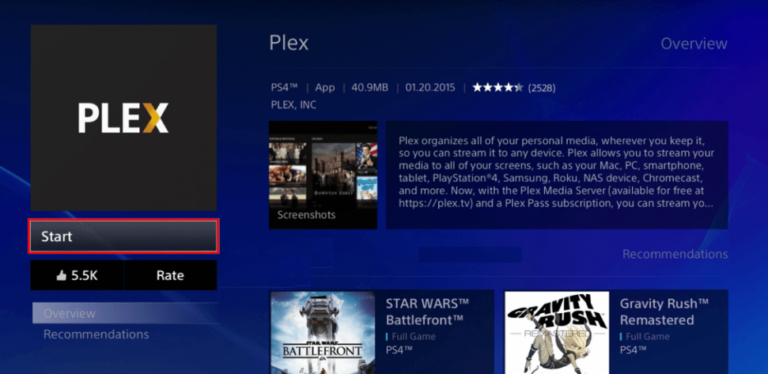
Kodi is available for Android also iOS but not for PS4, for this reason you can’t install Kodi os PS4 and PS3 directly. But don’t worry we have on alternative for you by installing Plex app. Plex is the best alternative to Kodi on PS4 and PS3. Check the guide below on how to install this app.

Steps To Install Kodi on PS4 and PS3 (Working 2020)

Step 1: Launch the PlayStation Store.

Step 2: Go to the Home page.

Step 3: Then you can see the Apps option.

Step 4: Click on it.

Step 5: Select popular section.

Step 6: Scroll down till finding the Plex icon.

Step 7: Click on download and install it.

Step 8: Wait the installation process till is done.

Step 9: Tap to Start.

Step 10: Open Plex from TV and Video tab on your home screen.

Step 11: After, create one account for the Plex app.

Step 12: Sign in with that account on your PS4.

Step 13: After Logged in the app will show you code and link from your TV screen.

Step 14: Enter the code from your TV screen.

Step 15: Click on LINK.

Step 16: Now, go to Settings > System and then enable options like Advertise a server then Show camera roll media and Network discovery.

Step 17: Done.

Now you have successfully installed Kodi on ps4.

> Read NextSteps to Install Kodi 17.1 Ares Wizard, and Get Pin using http://bit.ly/build_pin

Hope you find useful this guide on how to install Kodi on PS4 and PS3, is you have any question please let us know in the comment section below,follow us on twitter and facebook for more news and updates.

neoAdviser 

[td_block_11 category_id=”3″ limit=”1″ td_filter_default_txt=””][td_block_ad_box spot_id=”custom_ad_3″]
Similar Sites Like Stream2watch

Stream2watch Alternatives: Top 15+ Best Similar Sites Like Stream2watch (2020)

Stream2Watch is one of the most popular websites used to watch free sports online from different categories like Football, NBA, Baseball, Basketball, Hockey, Cricket, Tennis, Snooker, Soccer, etc. Also, for more, at Stream2Watch you can watch free Live TV Channels like MTV, HBO, ABC, Animal Planet, ESPN, CNN, etc. Stream2Watch is like an open source platform for all of your kind of entertainment online. But if for some reason you are not happy with it and are searching for some similar websites to Stream2Watch or some best Stream2Watch alternatives, then follow our article below of the best top 15+ Stream2Watch alternatives of 2020.

IMPORTANTLegal Copyright Disclaimer: This technology shall only be used to stream/download movies/TV shows and other stuff that falls under the public domain. neoAdviser does not endorse or promote illegal activity tied to streaming or downloading copyrighted works. The end-user shall be solely responsible for media accessed through any service or app referenced on this Website. Referenced applications/addons/links are not hosted by neoAdviser and this guide is for educational purposes only.

NOTE: If the given links are not working, please do a quick google search to find the latest working links to the given website!

[td_block_ad_box spot_id=”custom_ad_2″]

> Check Out: FirstOne TV Alternatives: Top 5+ Best Similar Sites Like FirstOne TV (2020)

What Is Stream2watch?

Stream2Watch is a free online platform divided into two main categories: Sports Streaming and TV Streaming. At Stream2Watch you can watch all the live sports for free from different categories like Football, NBA, Basketball, Baseball, Cricket, Hockey, MLB, Tennis, Snooker, Fussball, etc., and besides that from the TV Streaming category, you can watch different live TV Channels like MTV, HBO, Animal Planet, ESPN, ABC, CNN, Discovery Channel, EUROSPORT, FX, FOX, and many more. This website is the perfect place for all of the Sports Lovers to find all the Live Sports Streaming, Spots News, and other information.

Stream2Watch comes with a simple and well-organized interface and the streams provided by this platforms come with great audio and video quality. The website is verified and the content is legal so you don’t need to worry your personal information on this free live sports streaming site. For more this website is compatible with different types of devices like  Android, Sopcast, Ustream, Coolsport, and others. Stream2Watch has also an Live group chat build-in to allow it users Chat with each-other while watching live events.

Stream2watch Mirrors:

Below there are some Stream2watch mirrors websites. At the time we are writing the article, all the links shared below are accessible and working. If possible, always us a mirror that offers an SSL connection so your ISP (internet service provider) won’t monitor your activity.

  • http://www.streams2watch.me/
  • http://stream2watch.us/
  • https://www.stream2watch.org/
  • http://www.stream2watch.ru/
  • http://www.stream2watch.eu/

Stream2watch Alternatives: Top 15+ Best Similar Sites Like Stream2watch (2020)

Anyway, Stream2Watch and similar sites like Stream2Watch may go offline at anytime without notice. For this reason, having some good alternatives to Stream2Watch bookmarked may be the best solution. So check these top 15+ best similar sites to Stream2Watch to find your next best one free live sports streaming website.

Best Stream2Watch Alternatives of 2020

The alternatives shared below are randomly, so make sure to check then all and find what it works best for you. So here are the top 15+ similar sites like Stream2Watch.

> Check Out: Top 10+ Best Free Anime Streaming Apps of 2020 (Android and iOS)

#1. FirstRowSports

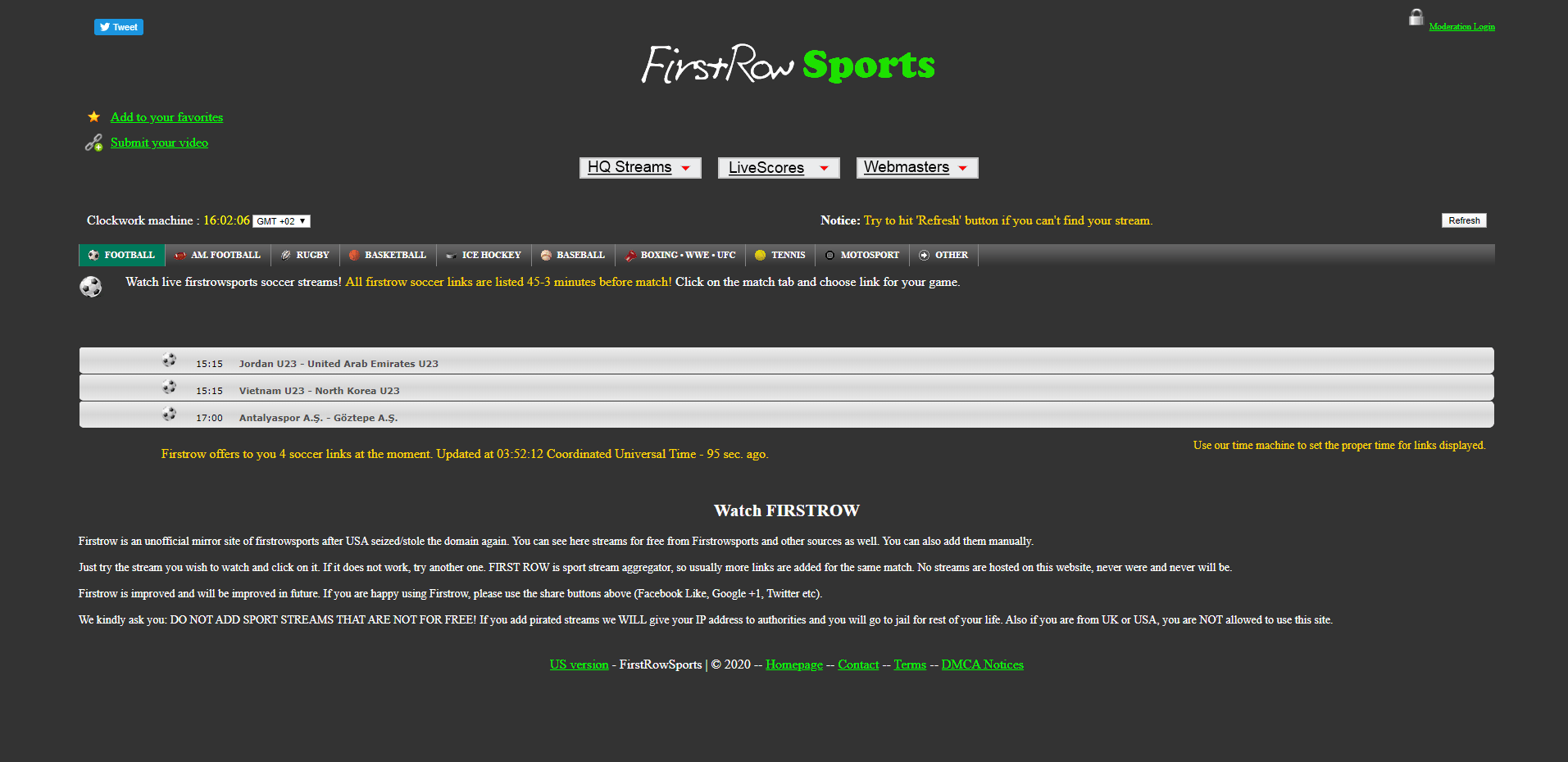
FirstRowSport is the best Sports site to watch different live football matches and one of the most popular. Best thing, it’s free for all users. As it is compatible with all platforms, you can stream on your PC and your Smartphone too. It comes with a really easy and clean UI to use and navigate through.

Like Stream2Watch, you can use FirstRowSport to stream different sports matches form basketball, rugby, boxing, tennis to baseball, and many more. FirstRowSport is the only website you will ever need for streaming your live sports events.

FirstRowSport Website: http://www.firstrowsportz.com/

FirstRowSport
FirstRowSport – Sites Like Stream2watch

#2. VIPLeague

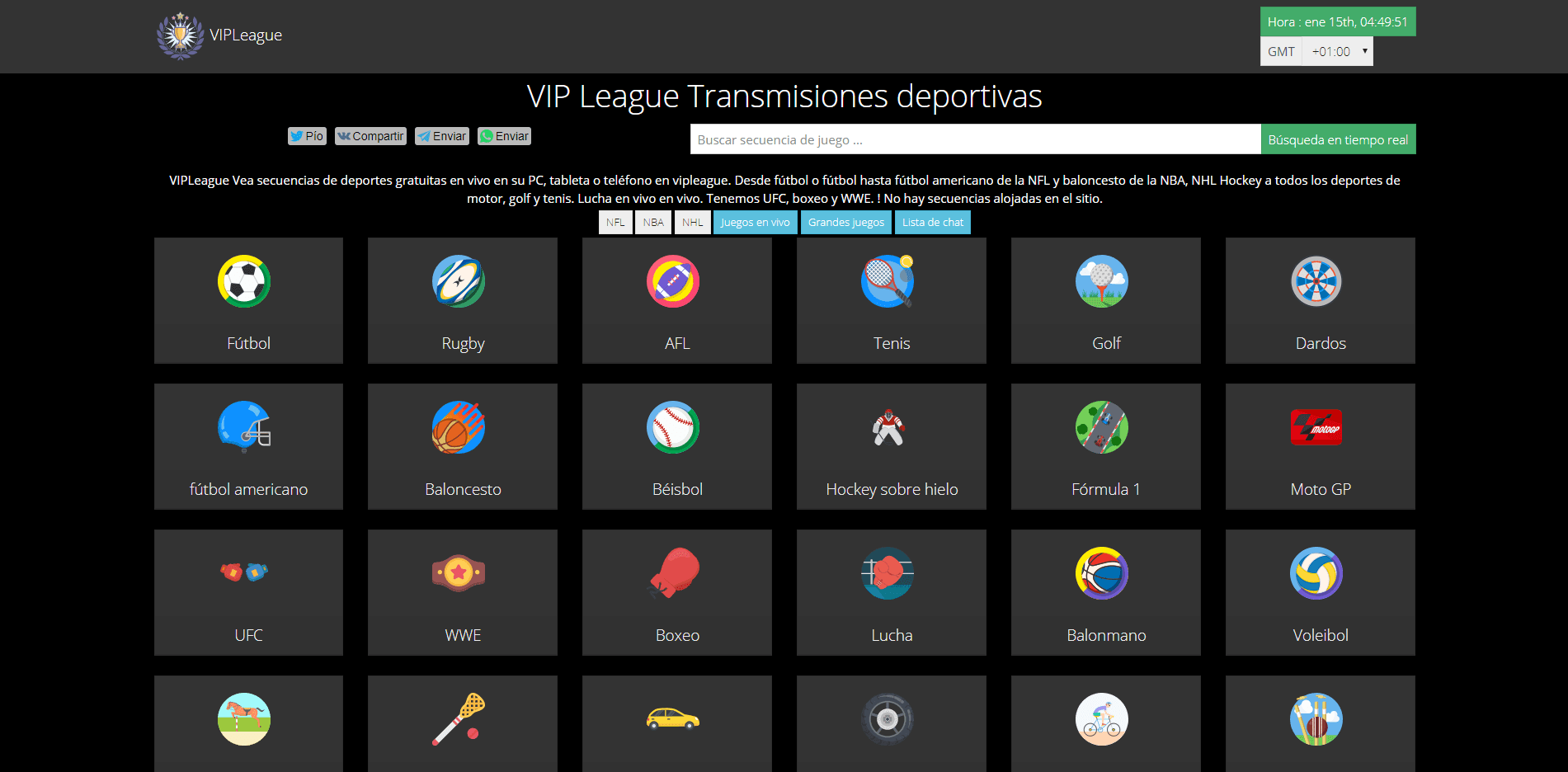
VIPLeague broadcast live sports content for free. You will find from European leagues as well as international tournaments such as MLB, NHL, WWE, UFC, X-Games, etc. Shortly, the site covers everything related to the sports world. The platform is really easy to access and you will not face any problem while live streaming your live sports event. At VIPLeague you also have the option to watch sports in different languages like French, Deutsch, etc.

VIPLeague like Stream2Watch is one of the most trusted free sports streaming sites to watch for free online any live sports events directly from your Laptop, PC, and mobile devices. The top reason why users choose VIPleague is that they don’t have to pay a penny to enjoys football, baseball, basketball, car racing, and other sports events. They will treat you like a VIP!

VIPleague Website: https://www.vipleague.cc/

VIPLeague
VIPLeague – Sites Like Stream2watch

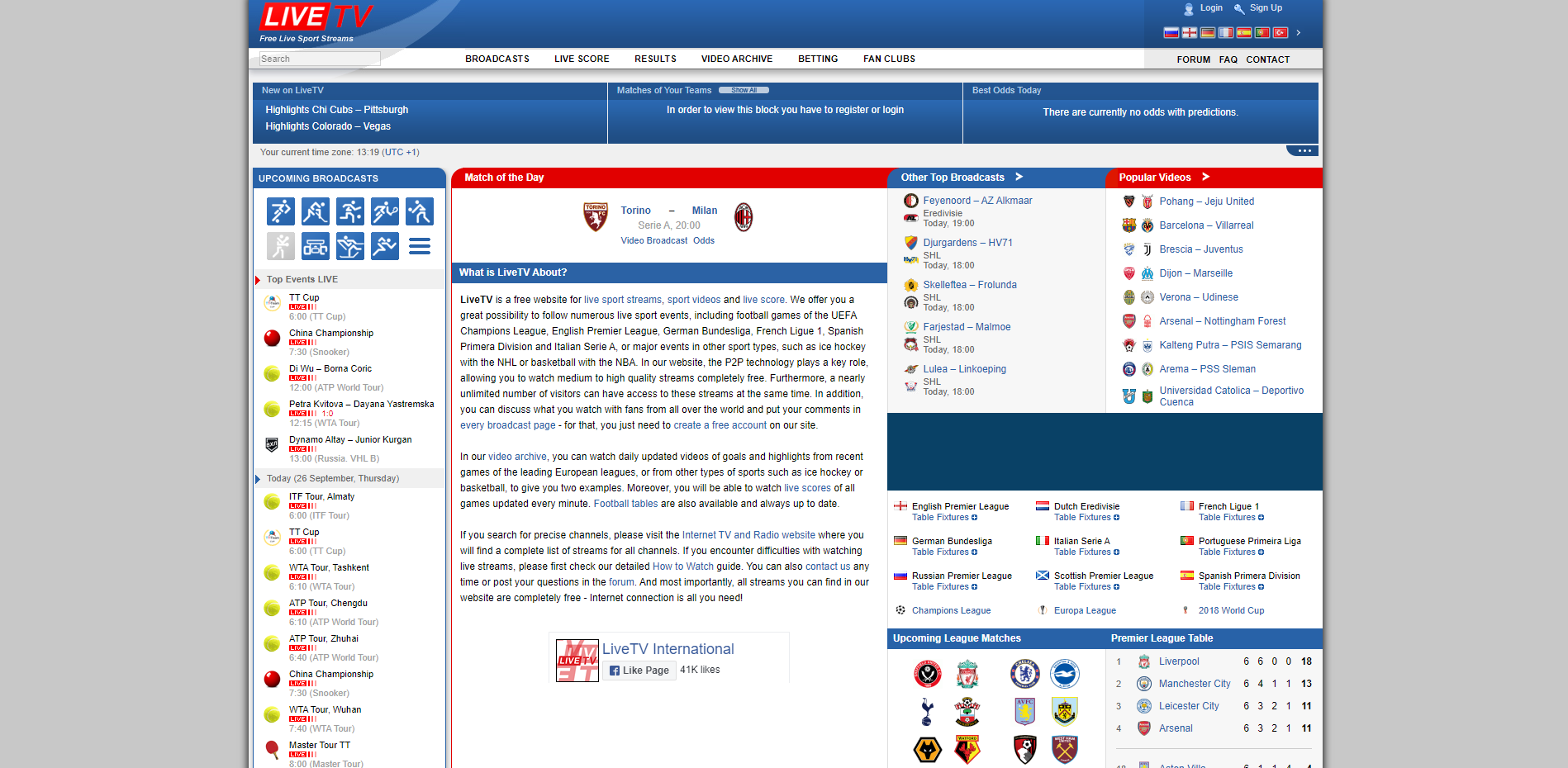
#3. LiveTV

LiveTv site has a loot of traffic cos of that the live streaming is offered in many languages. As the name suggest it offers live TV channels. LiveTv is very functional with a good design and offer a large variety of sports. You can choose from different video quality according to your internet speed of your device. This site is considered and the best free sports streaming sites that offer free live streaming in multiple languages.

LiveTv is an Russian domain that offers live streaming events. Beside that the original website domain is in Russian, LiveTv is also available in German, French and English language. You can choose you primary language at the Top-Right of the page. One great feature is the live score form witch the users can see updated live score of every live event.

LiveTv Website: http://livetv.sx/enx/

LiveTV
LiveTV – Sites Like Stream2watch

> Check Out: Top 15+ Best Free Sports Streaming Sites: Watch Sports Online for Free On 2020

#4. 12thPlayer

12thPlayer is another great alternative to Stream2Watch which provides a lots of sports categories to choose and directly livestream your favorite live event. Its extremely easy to use and navigate through cos of its simple interface. 12thPlayer is designed by experts team and packs all the keys and channels to deliver an great experience.

Besides live sports events, 12thPlayer deals also with news, updates, highlights of basketball, baseball, volleyball, rugby, and tennis. The UI (user interface) may not be the best but it provides links to third-party websites in an well-organized way.

12thPlayer Website: http://www.12thplayer.com/

12thPlaye
12thPlaye – Sites Like Stream2watch

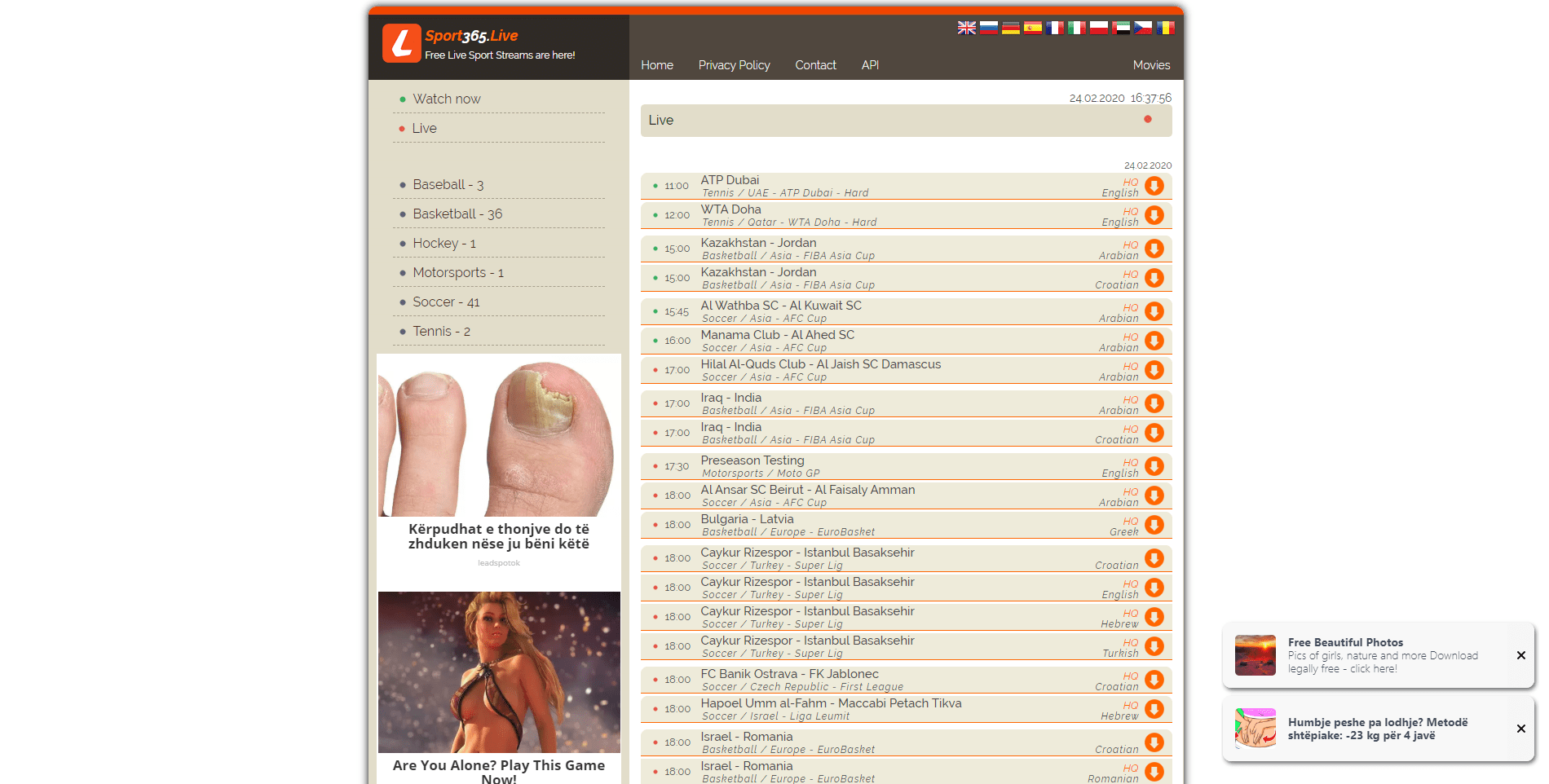
#5. Sport365

Sport365 is yet another great top alternative to Stream2Watch to watch online sports for free that has may good things. This is an great source for all of your favorites live sports from Cricket, WWE, Football, Rugby, to Hockey, Tennis, Soccer and many more. Right at the homepage are showcased all the live sports that are currently available and that ones that will be live soon.

Sport365 is available in different languages so it can be reached by many peoples and also it has an build-in chat room to chat with other sports lovers. You may find many pop-up ads that may be annoying so an good VPN is recommended.

Sport365 Website: http://www.sport365.live/en/main

Sport365
Sport365 – Sites Like Stream2watch

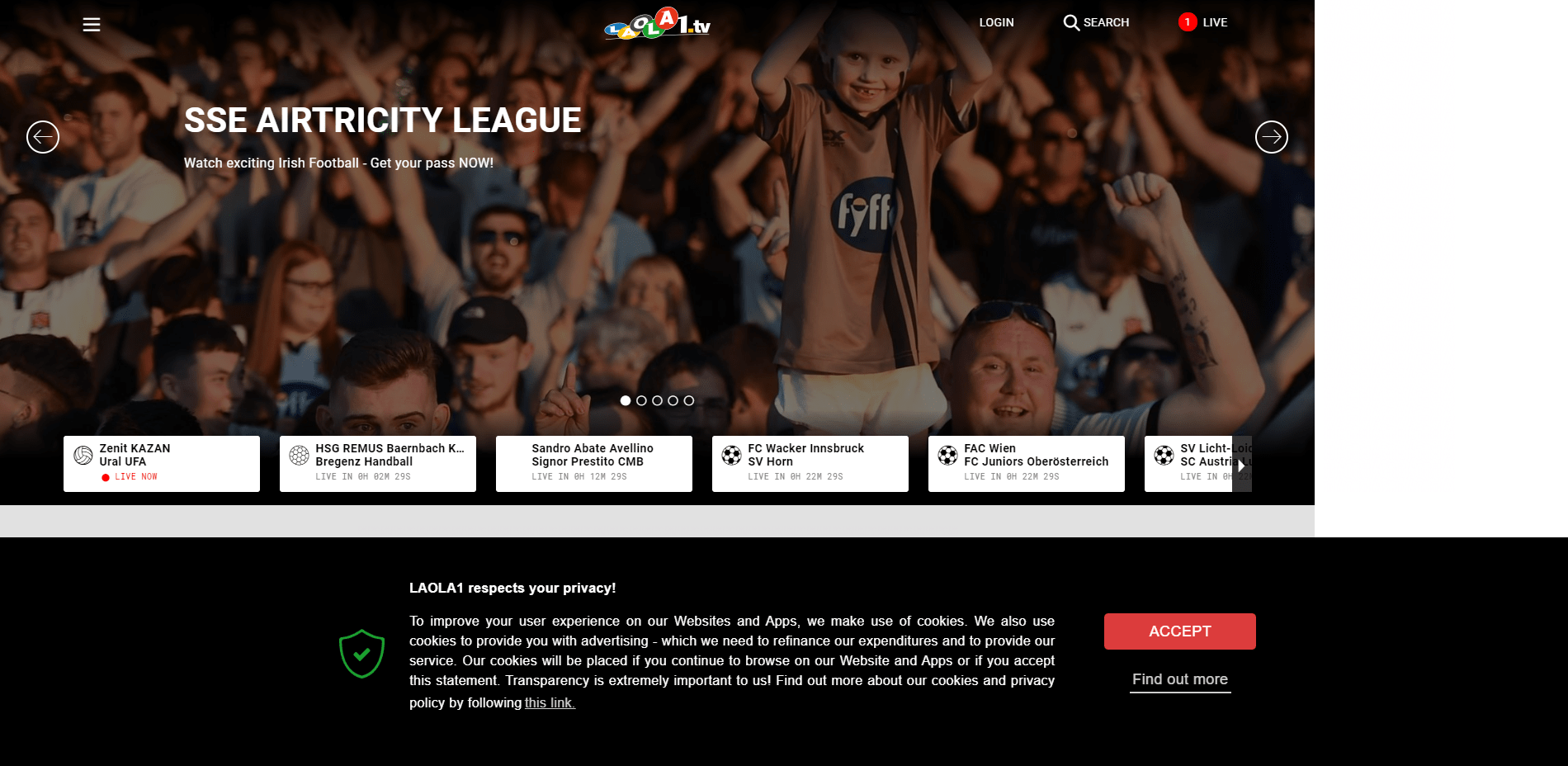
#6. Laola1 

Laola1 is an Austrian website that provides links to different sports events. The site does not have the simplest interface but it covers a loot of most popular sports events around the world from different sports channel categories like Football, Volleyball, Handball, Ice Hockey, Motorsports, etc. While streaming live events you can choose from different level of video and audio quality which makes it an great Sports Streaming Site.

Laola1 has an friendly user-friendly interface and provides also an section to read different news related to sports. On top features is also the option to record all the matches to watch then at another time offline. If you choose to create an account at Laola1, you will get notifications of the upcoming sports.

Laola1  Website: https://www.laola1.tv/

Laola1
Laola1 – Sites Like Stream2watch

> Check out: Top 10+ Best Free Live TV Apps for Android & iOS (2020)

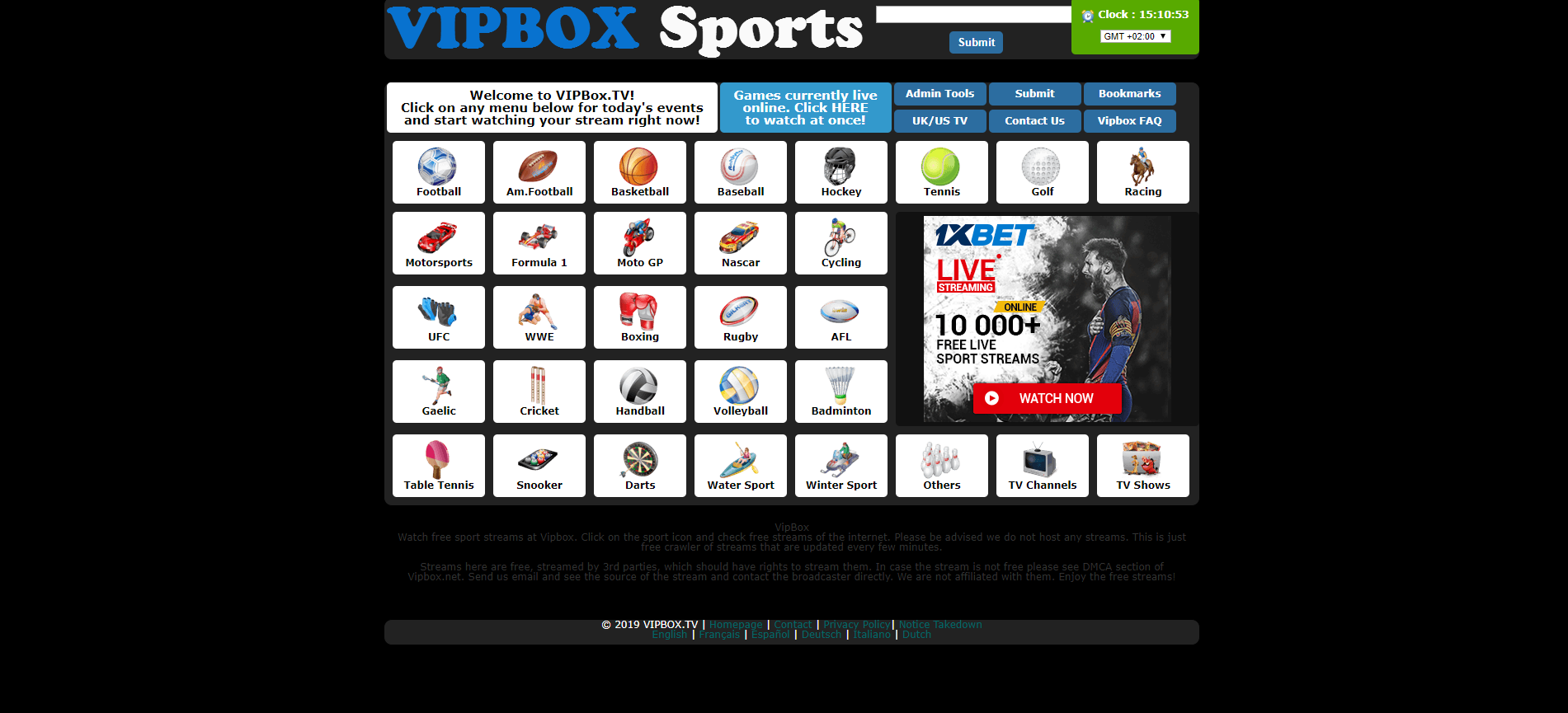
#7. VipBoxTV

VipBoxTV is another great Stream2Watch alternative and an top rated sports streaming site to broadcasts live sports almost for free. The site offers various sports streaming channels and is the next great source for sports lovers. The clean UI makes it easy to navigate through the site and find you favorite ones. VipBoxTV manly covers football and scooter matches, but you will also find cricket, basketball, etc.

The UI is very simple, clean and just with just one simple click you can check all the live sports events that are happening at that time around the globe.

VipBoxTV Website: http://vipboxe.com/

VipBoxTV
VipBoxTV – Sites Like Stream2watch

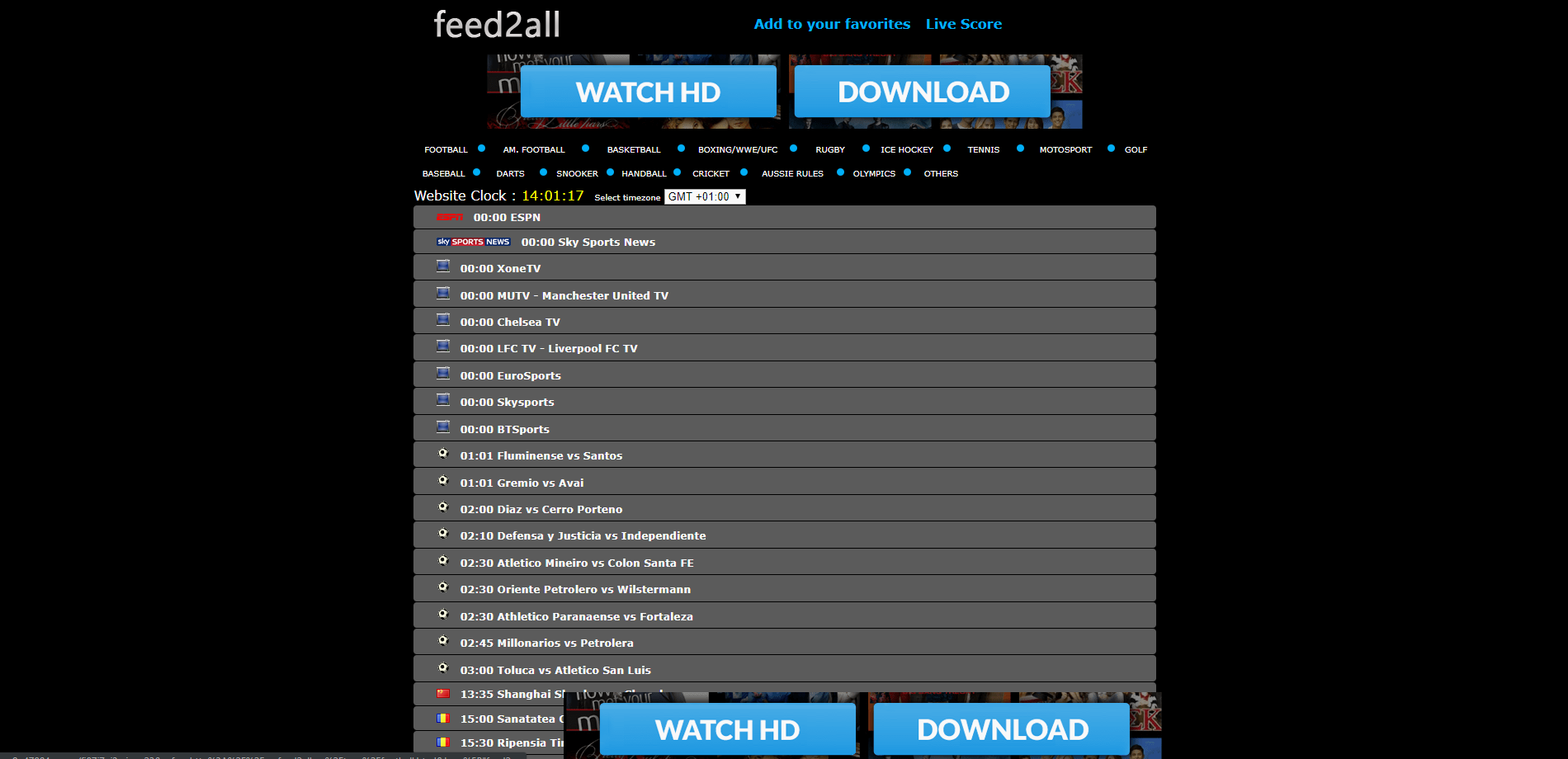
#8. Feed2All

Feed2All is a great alternative to Stream2Watch and a good platform to watch live sports anywhere and anytime. All sport lovers can watch all sports matches for free, also Feed2All offers some popular sports categories like Ice Hockey, Basketball, Fights etc. Feed2All covers all the majors live football matches and some other sports. Right at the homepage will be showcased all the games that are being played with multiple links to choose for streaming.

The website comes with an clean UI and by default with an dark theme that makes it easy to navigate through.

Feed2All Website: http://myfeed2all.eu/

Feed2All
Feed2All – Sites Like Stream2watch

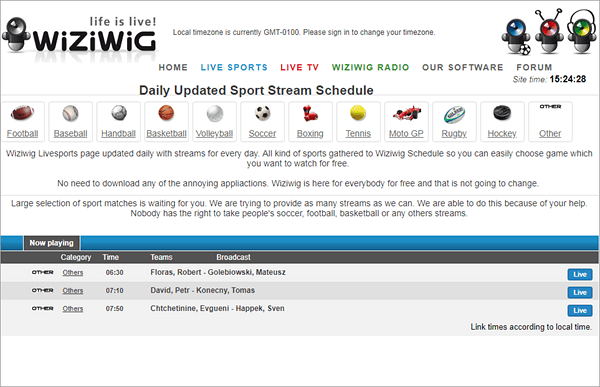
#9. WizWig

WizWig is another best alternative that packs a loots of features and new streaming options. You will find different sports streaming form Cricket, Tennis, Football, Racing, Rugby, to Hockey, Wrestling and many more form all around the world. Along with live sports it also offers Live TV, Live Radio all for free and without any need of signup. At WizWig  you can choose to watch free HD TV Shows and Movies on Live TV channels plus watch all the live streaming sports.

WizWig if one of the perfect Live Streaming platforms for everyone that pack an feature-rich live streaming services and streaming tools to deliver a complete solution.

WizWig Website: http://wiziwig1.com/

WiziWig
WiziWig – Sites Like Stream2watch

> Check Out: Top 5 Best Sites to Watch Wrestling Online for Free: Watch WWE for Free Online (2020)

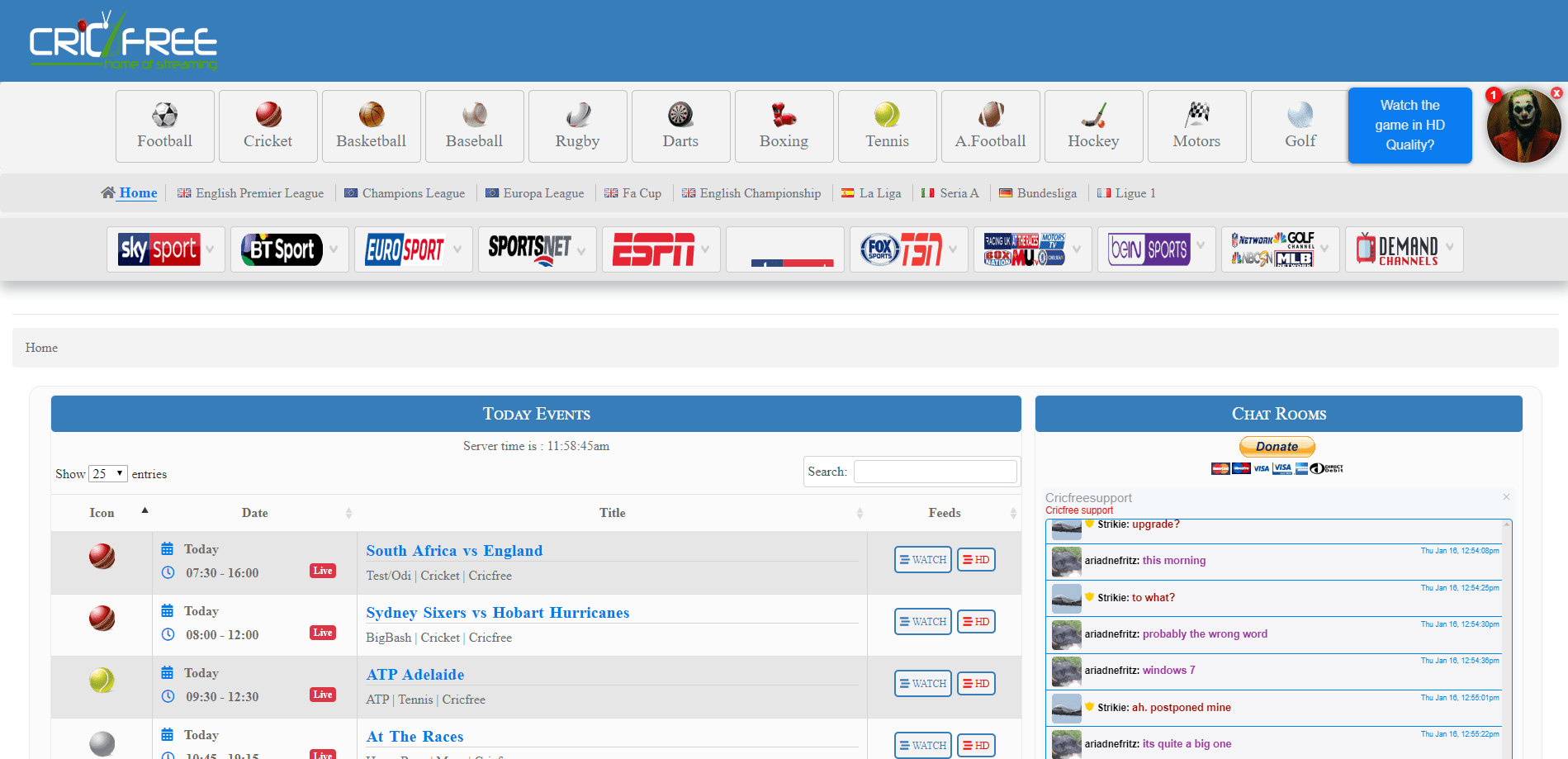
#10. CricFree

CricFree brings to you lots of online TV channels, most of then with a sport event. You can enjoy streaming online sports events totally for free at any time form anywhere around the globe. CricFree mainly focus is on cricket and you can enjoy all type of cricket tournaments, but also the site provides all the other sports events divided in more than 12 different categories along with spots news, interviews, previous matches highlights, mach schedule etc.

CricFree comes with an very simple and easily UI that makes the navigation through the site vary simple. CricFree is one of the best sports streaming services that covers everything you are looking for. This website is an really an excellent alternative to Stream2watch which pack all the popular sports events in high quality.

CricFree Website: https://cricfree.sc/

CricFree
CricFree – Sites Like Stream2watch

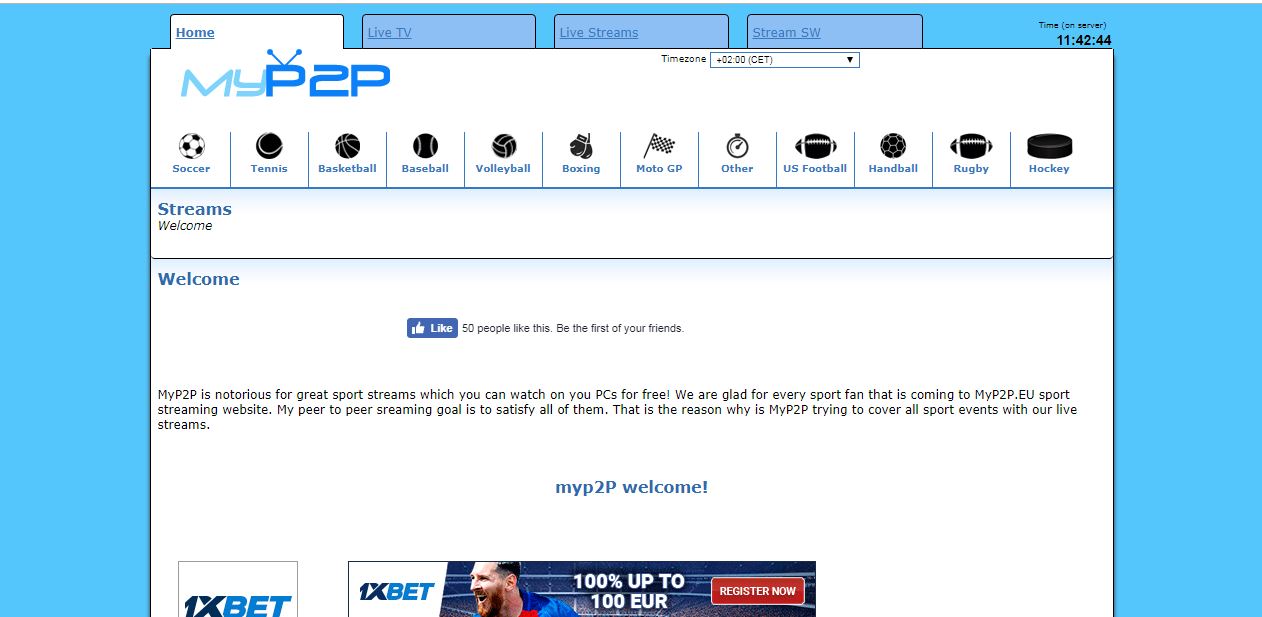
#11. Myp2p

Myp2p is one of the best and well know live streaming sports alternativeAll sports events are available here. Everyone can easily watch a live sport match for free on Myp2p. MyP2P.EU streams live sports for free! Has a few ads but provides an high-quality stream, enjoy!

The user interface if clean and attractive and very smooth. Like Stream2Watch you will find also other sports categories to stream like Tennis, Baseball, Football, Soccer, Boxing and MotoGP, etc and each live event has multiple links to choose from.

Myp2p Website: http://myp2px.eu/

Myp2p2
Myp2p2 – Sites Like Stream2watch

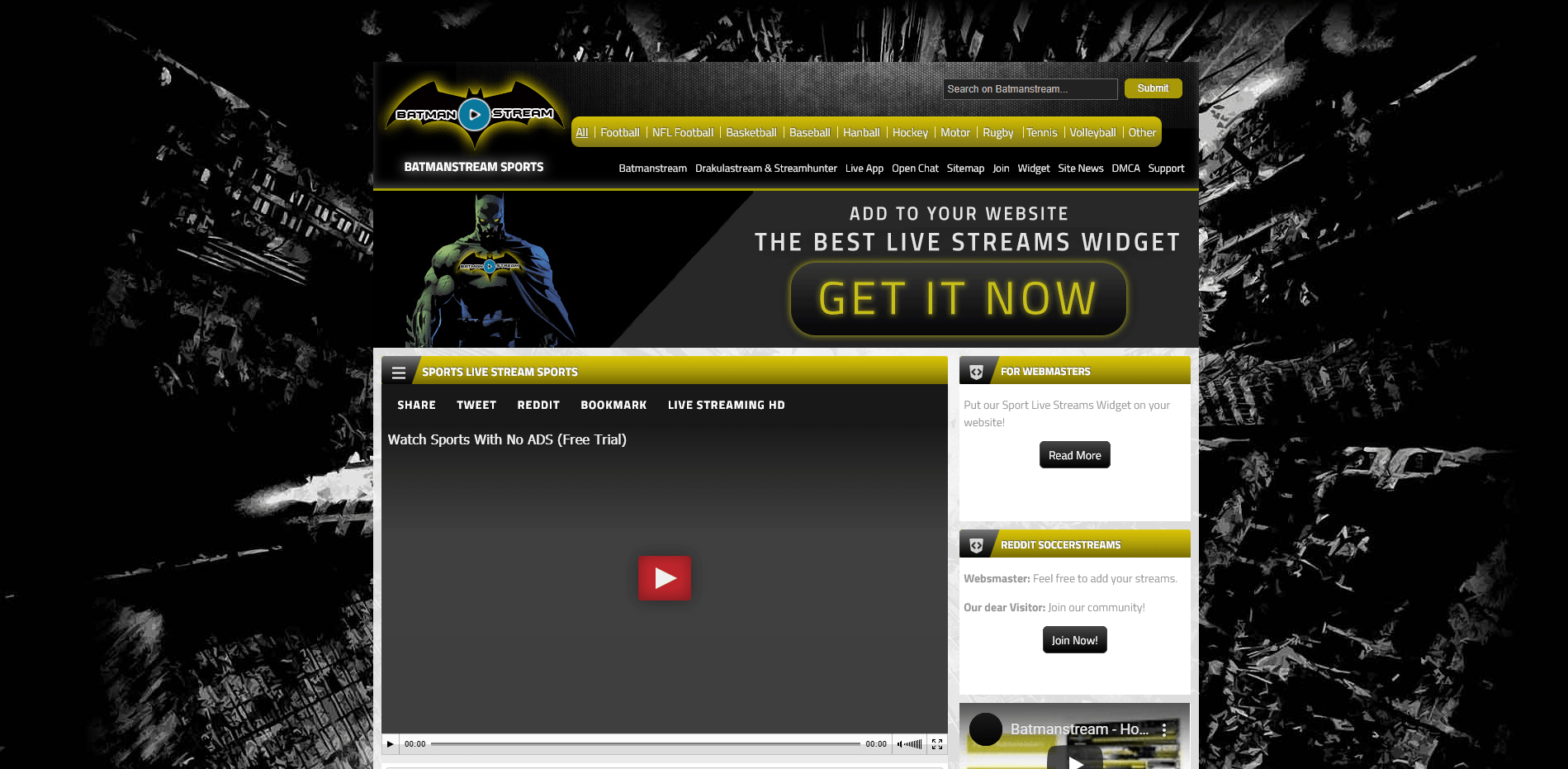
#12. BatmanStream

BatmanStream is yet another popular free sports streaming sites. Comes with an good and friendly user interface (UI) and packs different type of sports from football, basketball, baseball to handball and may others. BatmanStream offers the feature to search for your favorite sport event and stream that live event for completely free. 

It comes with an simple UI and very easy to navigate through. The shows are provided in top HD quality and for sure this is one of the websites that is worth completely to use at stream your favorites live sports events for free.

BatmanStream Website: https://www.batman-stream.tv/

Batmanstream
Batmanstream – Sites Like Stream2watch

> Check Out: VIPLeague Alternatives: Top 15+ Best Similar Sites like VIPLeague (2020)

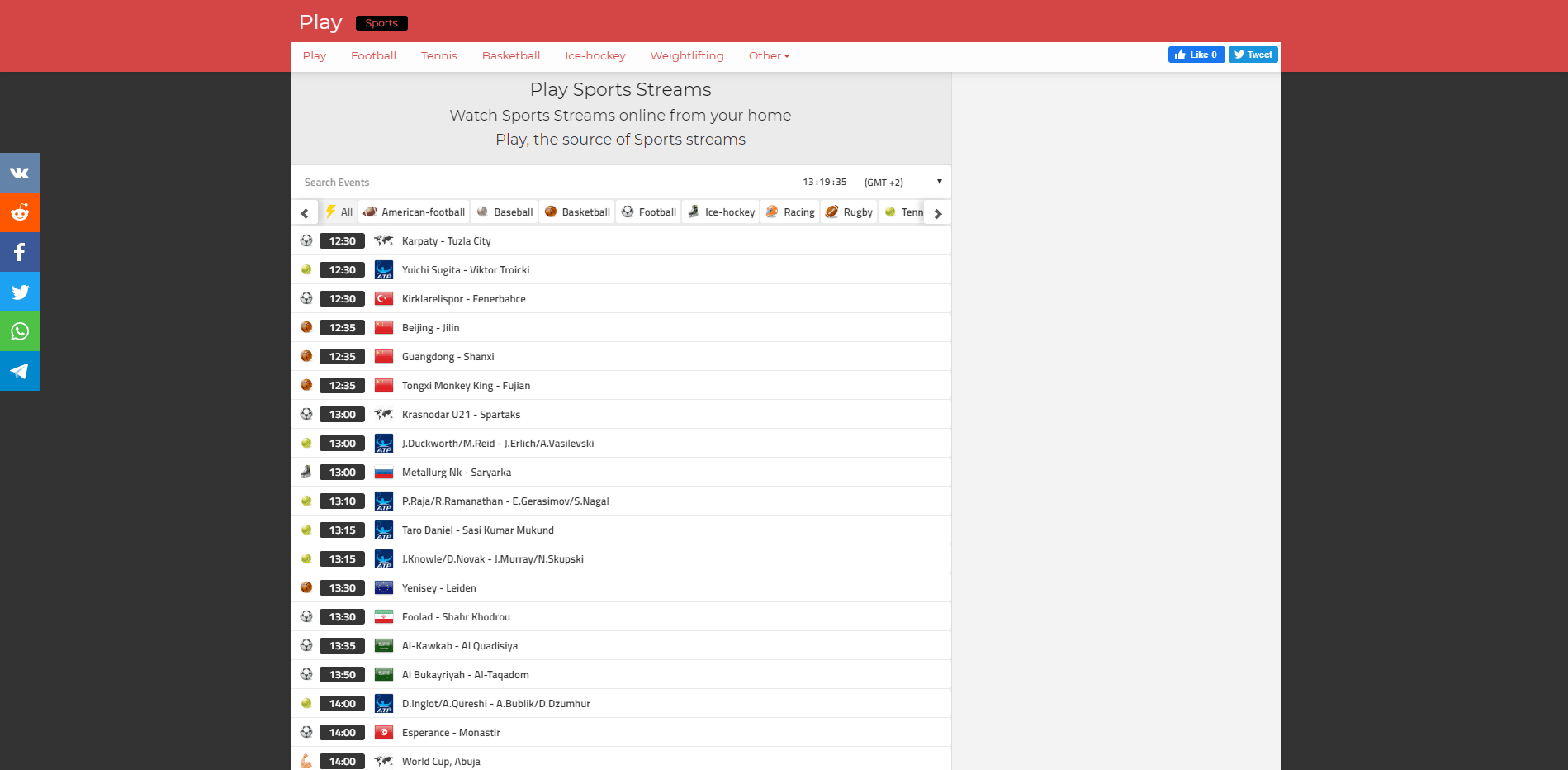
#13. Redstream

Redstream is the best option for you for online sport streaming for free. Rojadirecta streams are also available here! You will find different streaming categories form American football, basketball, soccer, baseball to tennis and may more. Redstream has an eye-catching red theme which is pretty easy to use an navigate through.

Redstream Website: https://play.redstreams.tv/

Redstream
Redstream – Sites Like Stream2watch

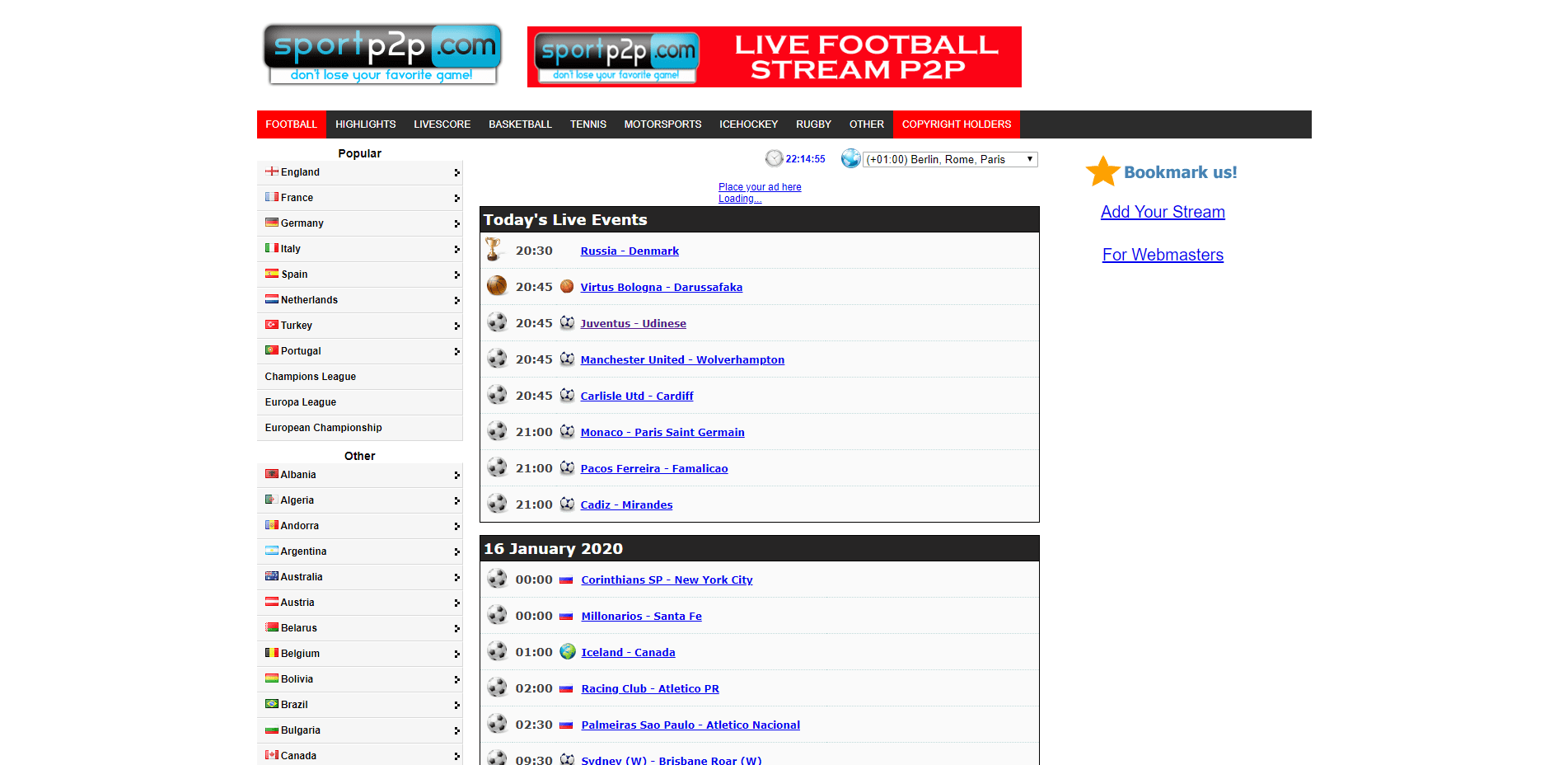
#14. SportsP2P

SportsP2P is best-known for live sports streaming. On their platform you can watch all type of sports events form Cricket, Racing, UFC, Boxing, Tennis, to American football an other live events form different channels.

The database gets updated frequently to provide regularly fresh content. SportsP2P comes with an clear and user-friendly interface which makes is an great source and the best Stream2Watch alternative.

SportsP2P Website: http://www.sportp2p.com/live-sport/

SportsP2P
SportsP2P – Sites Like Stream2watch

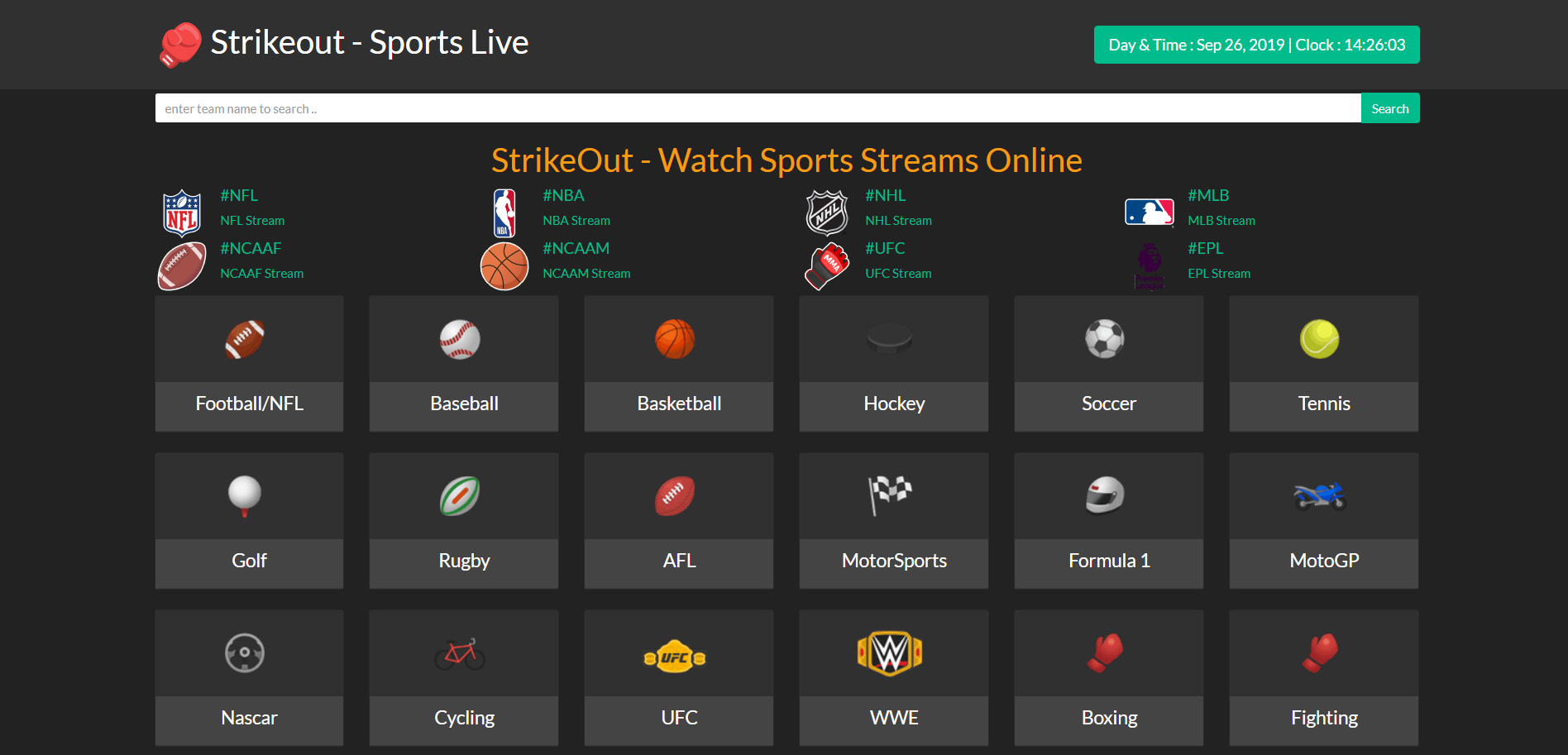
#15. StrikeOut

All sport lovers will love to visit StrikeOut cos is the best source to easily watch all sports games any with different devices like mobile, tablet, laptop, pc etc. StrikeOut has a well organized design and focuses on providing very quality streams. You can choose to steam live events form cricket, baseball, football, basketball and many more.

Strikeout site like Stream2Watch offers similar functions, aesthetics and games databases. By clicking on the listed sports, you can see the upcoming games with the available streaming links.

StrikeOut Website: https://www.strikeout.nu/

StrikeOu
StrikeOu – Sites Like Stream2watch

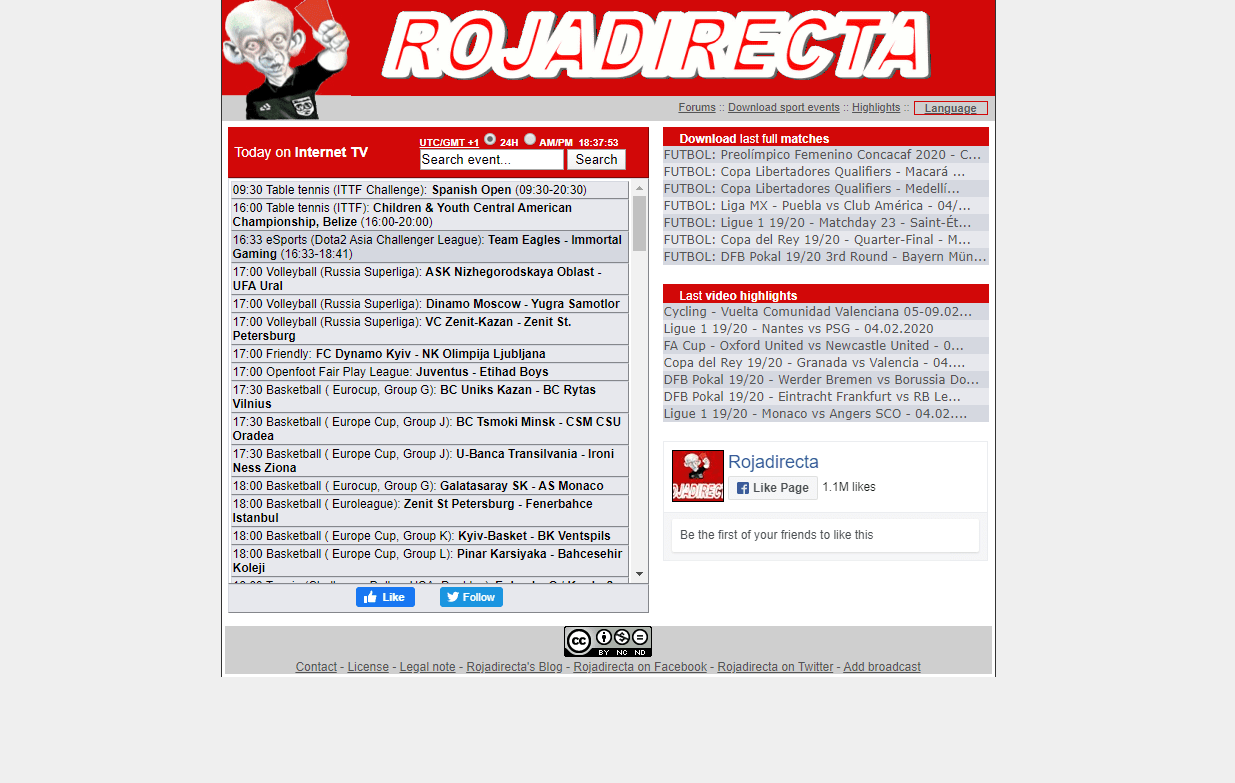
#16. Rojadirecta 

World’s biggest and most popular free sports streaming sites is Rojadirecta. All sports events are accessible by everyone for free. If you are looking for the best online sports streaming site, than don’t search anymore! Rojadirecta its like an real time directory where all top sports games are scheduled with the complete information of the next live sports coming up.

The website provides multiple links to the same live event and with multiple video quality for your needs to choose from!

Rojadirecta Website: http://www.rojadirecta.me/

Rojadirecta
Rojadirecta – Sites Like Stream2watch

> Read Next: FirstRowSports Alternatives: Top 15+ Live Streaming Sport sites like FirstRowSports (2020)

Now you have top 15+ best similar sites like Stream2Watch or alternatives to Stream2Watch to watch all your live sports events for free is good streaming quality. Hope you found this article useful! If you have any other alternative, please let us know in the comment section below, follow us on twitter and facebook for more news and updates.

neoAdviser

[td_block_11 category_id=”3″ limit=”1″ td_filter_default_txt=””][td_block_ad_box spot_id=”custom_ad_3″]
Isa Vegas

Argentine Sexbomb “Drives Mad” her Followers with Sexy and Provocative Poses (Photo)

Count over 5.5 million followers on her Instagram profile thanks to its bombastic forms

For some time now, Issa Vegas has become a true social media star. Thanks to her body lines, the 23-year-old has managed to gain a lot of fame in Argentina.

[td_block_ad_box spot_id=”custom_ad_2″]

While besides fitness she is also known for her passion for football, where of course the idol of the sexy model is Lionel Messi.

The model posts on her Instagram very provocative and sexy photos and videos where she is reluctant to expose her body. As a result, her posts immediately receive thousands of likes and comments.

What do you think about this? Let us know your thoughts, Drop a comment and let us know in the comments section below. Follow us on Twitter and Facebook for more news and updates.

neoAdviser

[td_block_11 category_id=”3″ limit=”1″ td_filter_default_txt=”” tdc_css=””][td_block_ad_box spot_id=”custom_ad_3″ tdc_css=””]

How to find out if someone has opened the email you sent through Gmail

Unlike text messages, which come with notification when the message is read, knowing whether or not a person has read your email is tricky. For some, this may be important because if you know that the person has read your email but has not yet replied, then you can proceed to the next step. With Gmail, Google allows email tracking, but unfortunately the feature is only available to those under the G Suite program. So, if you have a G Suite account, then these are the steps you can follow to get the read message notification for your emails.

[td_block_ad_box spot_id=”custom_ad_2″]

How to find out if someone has opened the email you sent through Gmail

With Gmail, Google allows email tracking, but unfortunately the feature is only available to those under the G Suite program. This means if you have a Gmail account that is for personal use, you will not be able to use the tracker. However, if you have a G Suite account, then these are the steps you can follow to get the read message notification for your emails.

  • Write a new email in Gmail 
  • At the bottom of the Compose box click More> Request read receipt
  • Once you have finished writing your email, click on the ‘Send‘ option and you will be notified when your email is read.

> Read Next: Here’s how to save WhatsApp conversations to a new number and a new phone

Hope you found this article useful. Let us know your thoughts in the comment section below, follow us on twitter and facebook for more news and updates.

neoAdviser

[td_block_11 category_id=”3″ limit=”1″ td_filter_default_txt=”” tdc_css=””][td_block_ad_box spot_id=”custom_ad_3″ tdc_css=””]
Dying Light

Dying Light is free to play for the first time this weekend

Techland is celebrating its fifth anniversary with a series of events over the course of a month

Techland’s zombie survival game, Dying Light has been around for five years, yet somehow all that time has never been ready for a free weekend on Steam. Strange, isn’t it? Or maybe not, many games aren’t offered for free weekends, after all. Either way, we think it’s a little unusual for a game to have its first free weekend five years after release, but that’s what’s happening now.

[td_block_ad_box spot_id=”custom_ad_2″]

From 8PM until 8PM on February 23, Dying Light is free to play on Steam: Just head over to the Steam page, click on the “play now” button “And have fun. If you like, you can also get it for 60% off, or 67% off the Enhanced Edition 5th Anniversary Bundle, which comes with a lot of DLC.

The free weekend is part of a series of events meant to celebrate Dying Light’s fifth anniversary, which will include various events taking place between now and March 19th, and community awards including a new weapon ‘blueprint’, a “Surprise outfit” and a sticky explosive that can be gained from hunting Volatiles, a wild, dangerous zombie type that only comes out at night.

Speaking of Volatiles, yesterday Techland released a new Story Mode option for Dying Light that, among other things, reduces the risk they pose by making longer days and shorter nights. They’ll still kill you, but … they’ll just have less time to do it.

> Read Next: Free-to-play Call of Duty: Warzone may come in March

So what do you think about this? Let us know your thoughts in the comments section below, follow us on twitter and facebook for more news and updates.

neoAdviser

[td_block_11 category_id=”3″ limit=”1″ td_filter_default_txt=”” tdc_css=””][td_block_ad_box spot_id=”custom_ad_3″ tdc_css=””]
AOMEI Backupper

[AOMEI Backupper] Use Backup Software to Retain Your Precious Memories

-Do you back up your PC data regularly?

-Of course I am not!

This conversation often happens in our lives. Many of our friends even ourselves rarely back up computer data regularly. What should we do if something unexpected happens? For example, a PC is suddenly damaged, or data is lost due to a virus intrusion or incorrect operation. So we should keep in mind “Backup Data is Important”!

[td_block_ad_box spot_id=”custom_ad_2″ tdc_css=””]

At this point, you might say “Backup is time-consuming, and I can’t remember the steps of backup”. Yes, I don’t like complicated things either, so I rarely do manual backups. But recently, for the first time in several years, I used a backup software to replace my rare manual backup for doing a backup. The tool called AOMEI Backupper – a best backup software to protect our valuable data forever. The biggest feature of it is that it is easy-to-use and it can be easily used to back up for PC beginners. Don’t worry about paying, because there is a free version of AOMEI Backupper. Although there are some restrictions on functions of free version, free regular backups and even disk/partition clone and other operations can be achieved. Next, I will introduce AOMEI Backupper in detail based on my personal feelings after using it. I hope this article can help those who want to easily back up their computers, or want to make a backup but do not understand the backup process, or just want to back up specific files and folders.

What Is Backup?

First, what is backup? Some people get it wrong sometimes, so let me mention it briefly. The backup is that the same data exists in two separate locations, and we can restore the data even if the data in one location is lost.

Do You Need Backup Software?

If you have a lot of important data on your computer, if you are not familiar with PC, or if you are not used to regular backups, we recommend that you try backup software. When you actually use it, you will feel that it is so easy to do regular backups with software, and you no longer have to worry about any data loss.

About AOMEI Backupper

AOMEI Backupper is the backup software of AOMEI Technology. AOMEI Technology is a software development company specializing in backup and disk management. Its products are recognized by users around the world. AOMEI Backupper Standard is an all-in-one backup freeware that embeds backup, sync, restore and clone functions at a very affordable price: FREE. The paid version is AOMEI Backupper Professional, but the backup can be done by using the free version. For normal use, I think the standard version is completely sufficient.

The AOMEI Backupper Standard allows the following backups:

  • System backup: All contents of the system partition, such as Windows operating system, applications, etc.
  • File backup: specific data files, such as documents, photos, videos
  • Disk backup: everything in HDD (create disk image)
  • Partition backup: specify a partition

How to Use AOMEI Backupper Standard to Backup Windows?

I actually backed up the entire operating system using AOMEI Backupper, so I will show you the whole process.

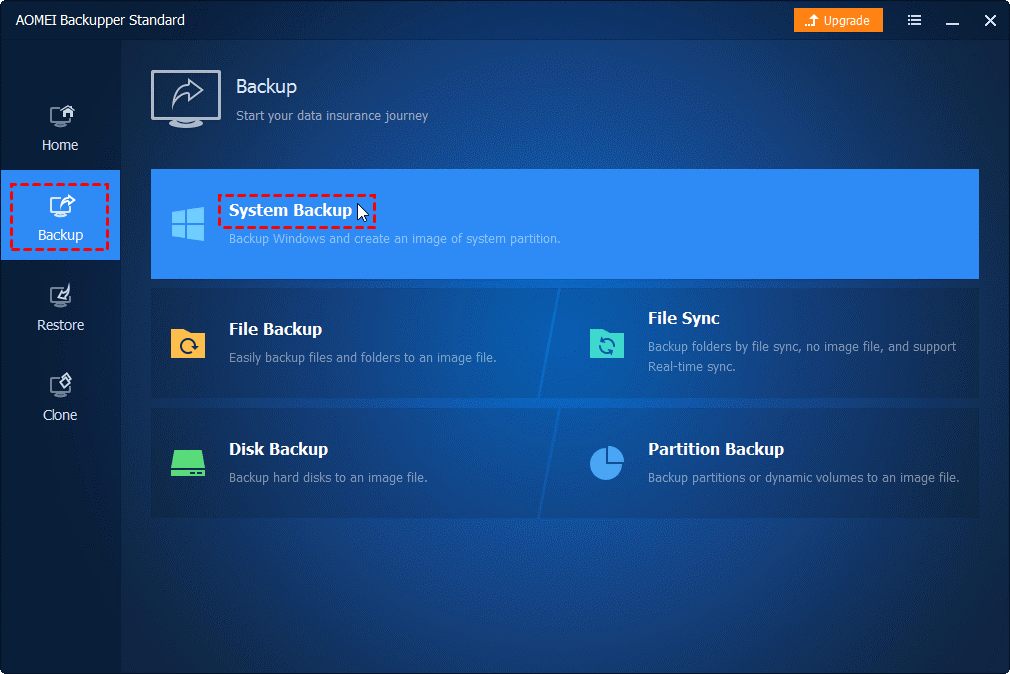
Step 1. Download and open AOMEI Backupper Standard from the official page. The standard version is free. Select “Backup” option from the left menu and click “System Backup”.

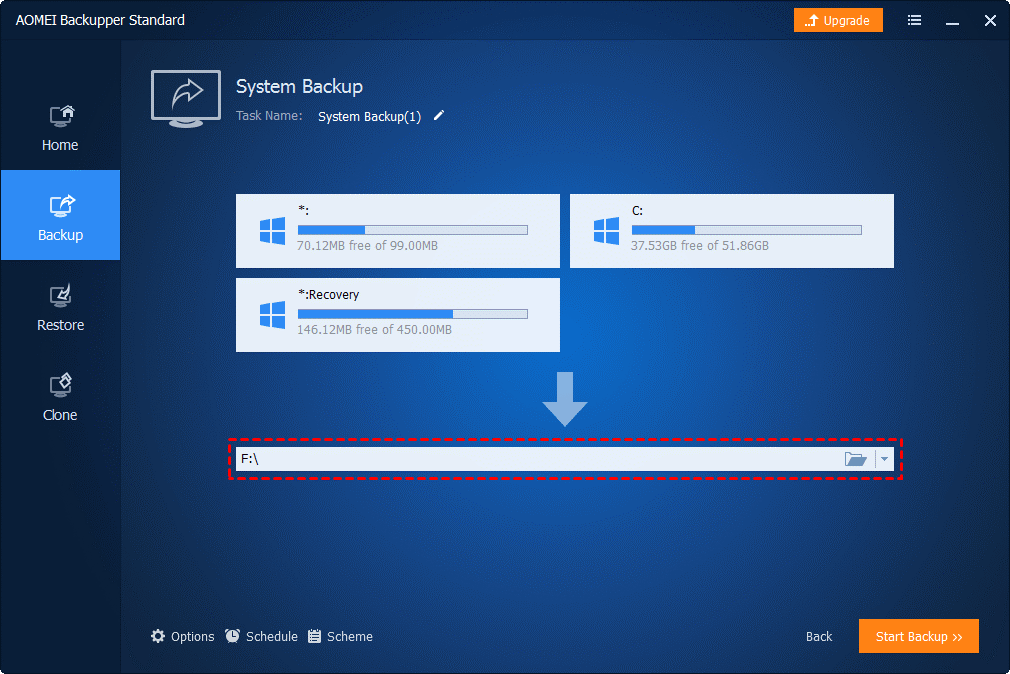
Step 2. AOMEI Backupper Standard automatically selects the system drive and boot drive as the source partition. Then you choose the backup destination (storage destination) path to save the system image file.

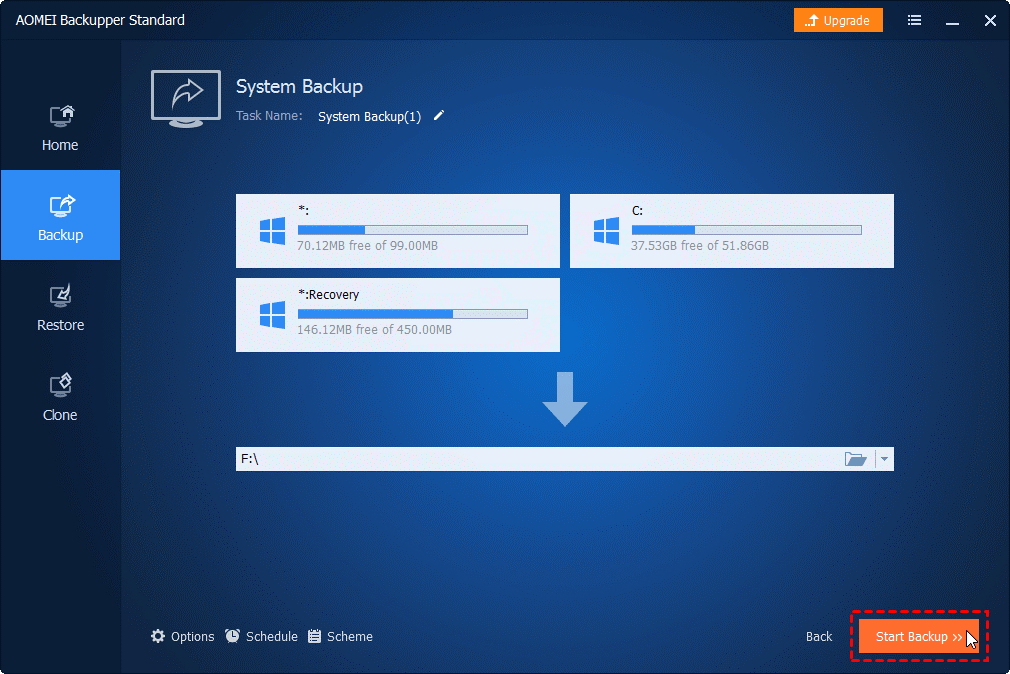
Step 3. Finally click “Start Backup” button, and then all you have to do is just wait for the backup to complete.

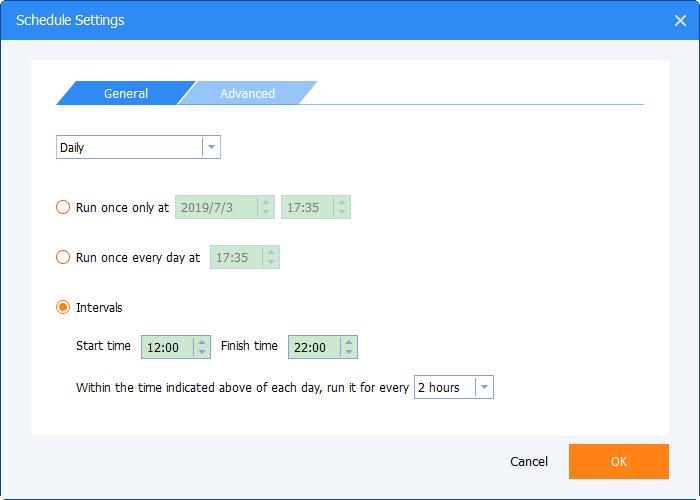
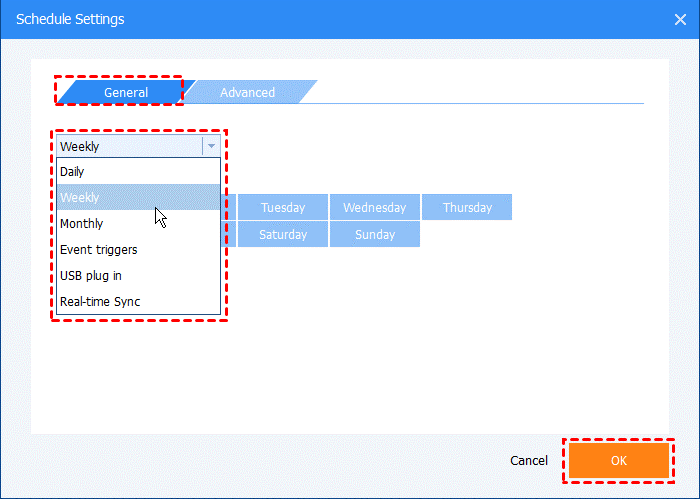
It didn’t end after the first backup. However, once a backup has been made, it becomes easier to back up from the second time. You can also use the schedule management function to make backups automatically, and can also choose the backup frequency and time as you want.

You can even set up automatic backups when the PC starts, right before the power is turned off, or when a USB memory is inserted.

You can also choose from three backup methods:

  • Full backup: Make a new full backup as above. The advantage is security, but the disadvantage is that it takes time and space.
  • Incremental backup: Back up all changes or additions since the last backup.
  • Differential backup: Save only the parts that have changed since the file was last saved.

Conclusion

The above is a review of AOMEI Backupper and how to use it for a full OS backup. In addition to backing up your system, you can back up any file. If you think “I don’t know what to do” or “troubleshooting”, we recommend that you try a backup with this free software. You will find that the backup process is simplified and easy to perform. If you are looking for backup software, consider the easy and free AOMEI Backupper Standard.

neoAdviser

[td_block_11 category_id=”3″ limit=”1″ td_filter_default_txt=”” tdc_css=””][td_block_ad_box spot_id=”custom_ad_3″ tdc_css=””]